Create a template
Template is just a Word .docx file where all the data that's to be auto-filled is replaced with field names.
For example we have a contract containing the following line:
Contract No. 2022-21, signed on October 17, 2022.
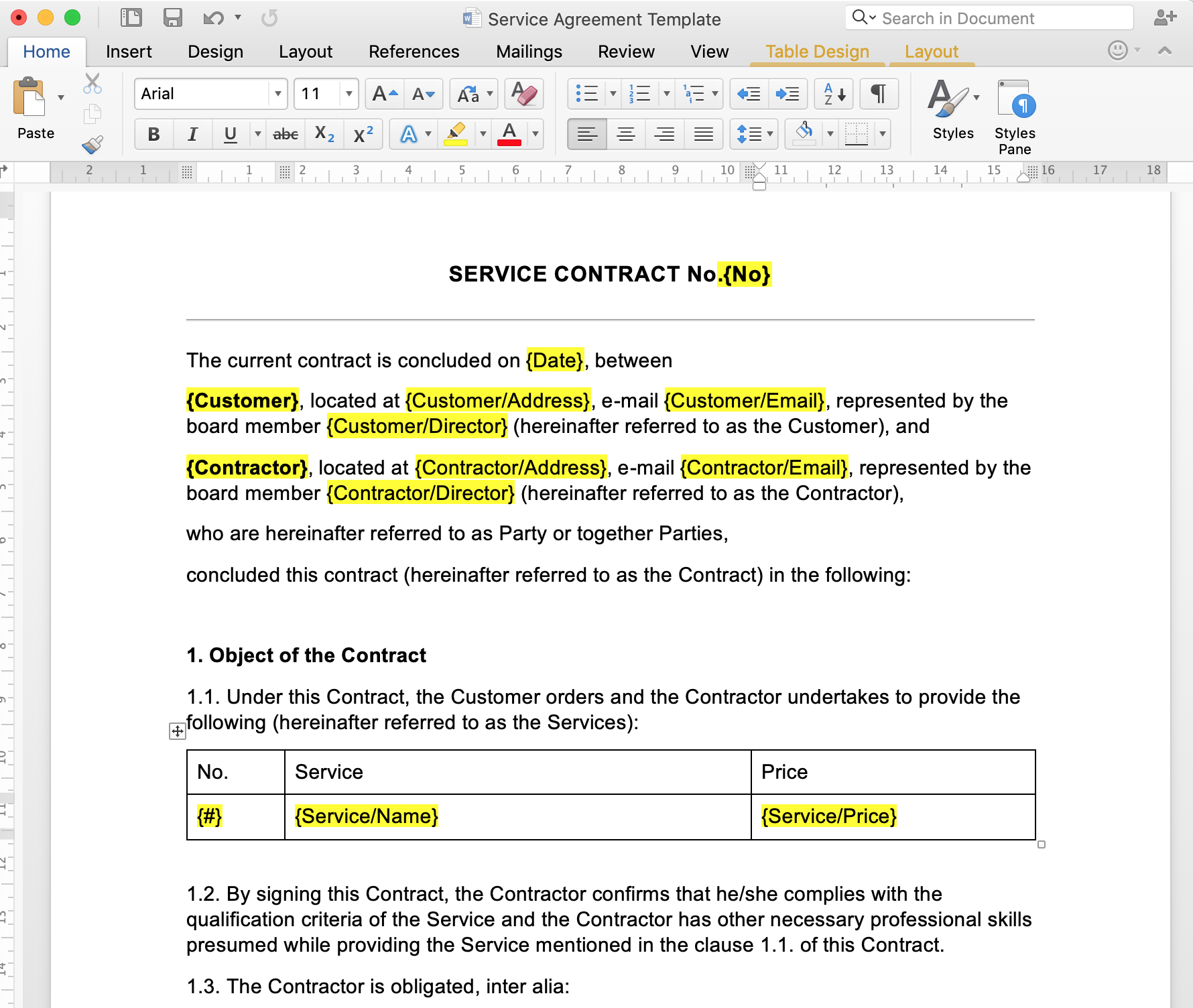
In this case you can use the field names {No} and {Date} to auto-fill the contract's number and date respectively. Field names are enclosed in {} brackets. So the template code for the line above will look like this:
Contract No. {No}, signed on {Date}.
Here is an example of a template: